
Optimising Your Warzone HUD and Visual Clarity for Competitive Play
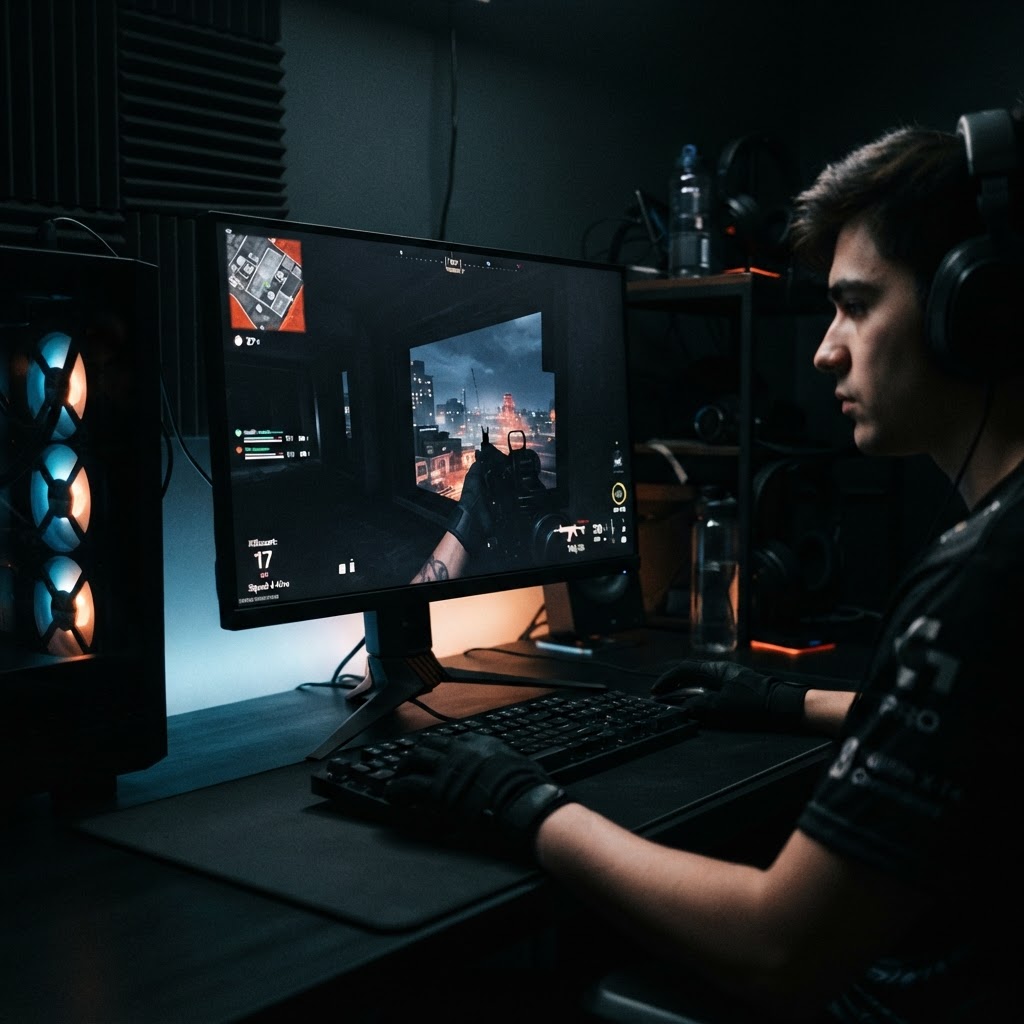
The Visibility Problem in Competitive Warzone
Many competitive players focus entirely on their aim or movement, yet they consistently lose gunfights because they cannot see their targets clearly. In the high-stakes environment of a Warzone tournament, visual clutter, poor contrast, and an unoptimised HUD can be the difference between a top-tier placement and an early exit. This article fixes these issues by detailing the exact settings used by top-tier players to ensure maximum clarity and information density.
By refining your visual output and HUD layout, you reduce the time your brain takes to process critical information. Whether you are scanning a ridgeline for snipers or tracking an enemy through a building, these adjustments will help you react faster and more accurately. We will cover everything from monitor-specific tweaks to in-game interface customisation to ensure you have the cleanest view of the battlefield possible.
Tips and Tricks for Visual Dominance
- Disable World and Weapon Motion Blur: These settings add unnecessary blur during movement and firing, making it harder to track targets. Always set both to 0.
- Use a Custom HUD Boundary: Move your minimap and ammo counter closer to the centre of your screen. This reduces the distance your eyes need to travel to check your status, allowing you to keep your focus on the crosshair.
- Adjust Colour Customisation: Use the colour blind settings, specifically Protanopia or Deuteranopia, to make enemy pings and hit markers stand out more against the environment.
- Lower Your Field of View: While a high FOV is popular, setting it between 100 and 105 provides a better balance between peripheral vision and target size, making enemies at mid-range easier to hit.
- Monitor Your Frame Pacing: Use an in-game overlay to track your frame times. Consistent frame delivery is more important for tracking than a high but unstable frame rate.
- Clean Your Cache: Regularly clear your shader cache in the game settings to prevent stuttering and visual artifacts that can obscure enemies during intense firefights.
Settings Recommendations
- Sensitivity: Set your horizontal and vertical sensitivity to 6-6 or 7-7. This provides a consistent feel for tracking. Use a low ADS sensitivity multiplier of 0.85 to ensure precision during long-range engagements.
- Audio Settings: Set your audio mix to 'Headphones' or 'Competitive'. This boosts the frequency of footsteps and reloads, allowing you to hear rotations before you see them.
- Graphics Settings: Set Texture Resolution to 'Low' and Texture Filter Anisotropic to 'Normal'. This reduces visual noise. Set Anti-Aliasing to 'SMAA T2X' for the best balance of edge clarity and performance.
- Controller Notes: Use a 'Tactical' button layout to allow for easier sliding and jumping without taking your thumb off the aim stick. If you use a mouse, ensure 'Mouse Acceleration' is disabled in Windows and the game to maintain raw input consistency.
Meta Loadouts
- Cronen Osprey (Long Range): FSS IS300 Muzzle, IO-556 Tac 18" Barrel, Locus PX3 Canted Optic, FSS Fireline Grip, 60 Round Mag. This is the current king of long-range engagements, offering minimal recoil and a competitive time-to-kill.
- ISO Nightshade (Close Range): FTAC Silent Recon Muzzle, GW Sender 500 Barrel, ZLR Type C Optic, 50 Round Drum Mag, Wire Stock. This build is designed for aggressive building clears and high-mobility playstyles, perfect for Resurgence or close-quarters tournament scenarios.
Tournament Application
In a kill race, your priority is speed and information. Use the HUD customisations to track enemy movement on the minimap while maintaining your aggressive push. In a battle royale tournament, where placement is key, use your visual clarity to hold power positions and identify rotations from a distance. Once you have mastered these settings, head over to our tournaments page to register your squad and put your new setup to the test.
Remember that loadouts and the meta shift with every patch, so stay updated with the latest weapon tuning to keep your competitive edge.
Put it into practice
Register a squad for an upcoming Warzone tournament, or check where you sit on the leaderboard.